Capture photos and videos of your event from every guest
Allow guests to upload unlimited photos and videos of your event into a shared gallery - no app downloads or guest signups required. Simply share a QR code or link with your guests and let the photos and videos flow in.
Why it works
The simplest way to collect photos from a crowd
- Guests scan and upload — no app, no account.
- Every guest already has a camera. Qrowd Pics turns it into a shared gallery in one scan. No app to download, no account to create, no passwords to forget. Guests point their phone at the QR code and upload directly.
- One code collects photos from every guest.
- Put the QR code on a table card, a welcome sign, or a printed invitation. Every guest who scans it adds to the same gallery. You end up with every angle, every candid, every moment — not just the ones you happened to be near.
- Works on any smartphone, any camera app.
- iPhone, Android, the latest model, or a four-year-old phone — the gallery works in any mobile browser. Guests do not need to install anything. If they can scan a QR code, they can upload.
- Full resolution, no compression.
- WhatsApp compresses photos to roughly 20% of their original size. iMessage does the same. Every photo uploaded to Qrowd Pics is stored and downloadable in its original resolution, exactly as it came off your guest's camera.
- Upload window stays open for months.
- Guests who want to sort through their camera roll first can still contribute weeks after the event. The upload window stays open for 6 months on Standard and Premium events, so no photo gets left behind.
- Download everything in one ZIP file.
- When you're ready, download your entire collection from the admin console. No tapping through individual photos, no screenshots, no third-party tools. One click, one file.
Every occasion
Works for any event
Qrowd Pics works wherever guests have phones. See guides tailored to your specific event.
Simple setup
How it works
Create your event gallery, share with guests, and start collecting photos and videos in minutes. No app downloads, just memories.
For Guests
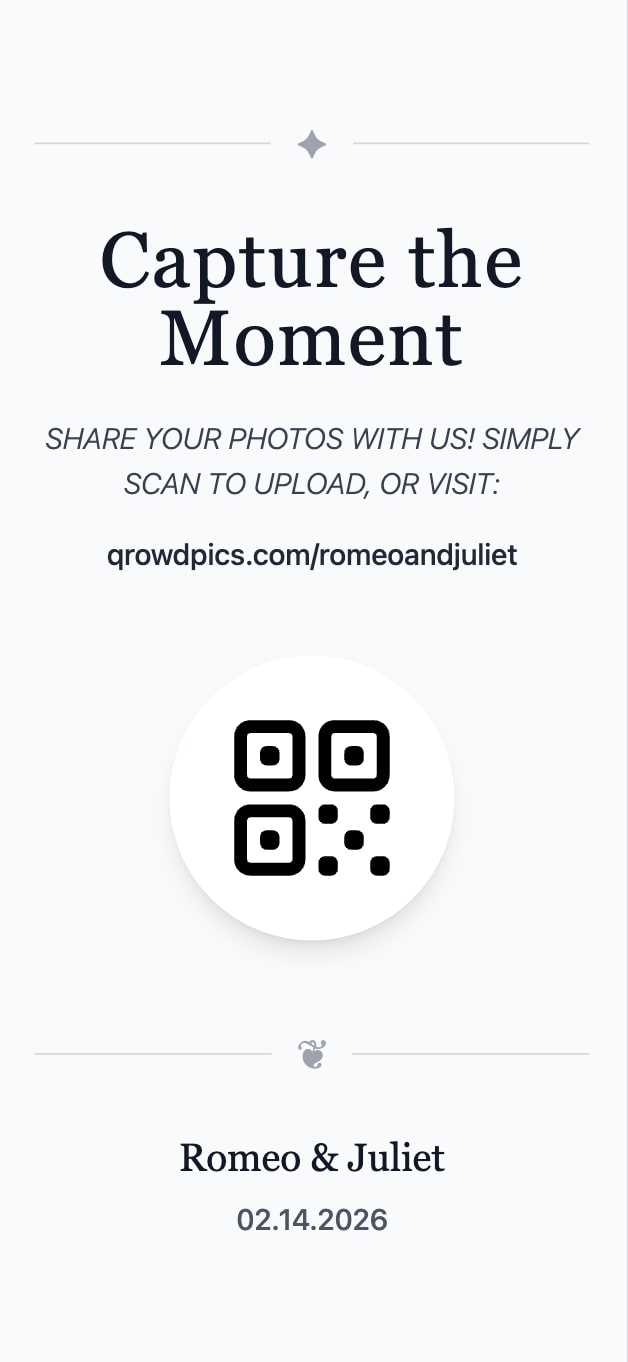
Scan QR code
Scan a QR code or visit the event's custom URL directly to access the gallery.
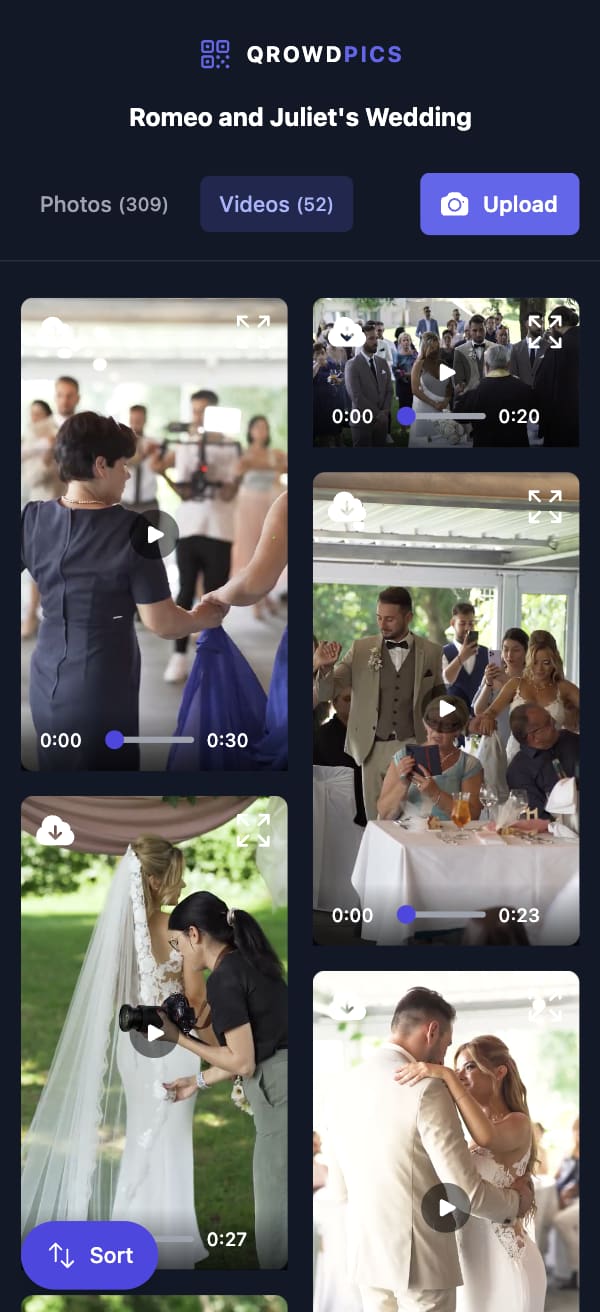
View event gallery
View and enjoy all photos and videos uploaded by various guests in the shared event gallery.
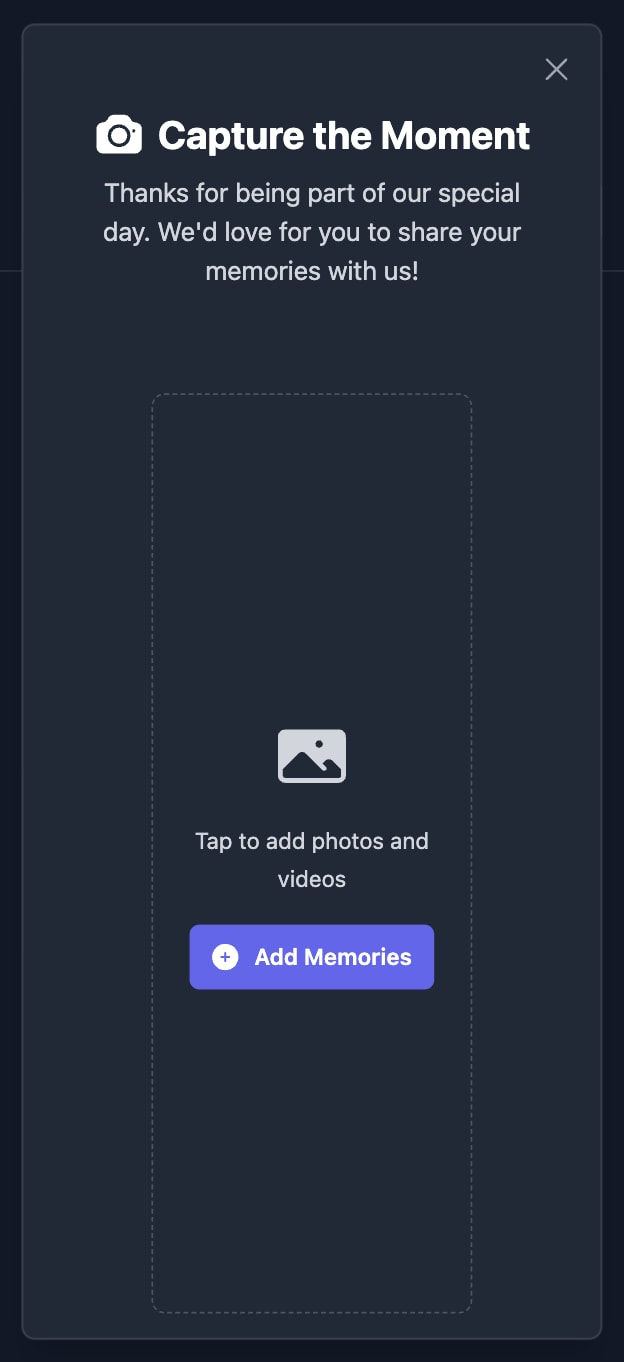
Upload photos and videos
Add your own photos and videos from any device to be displayed in the gallery.
For Hosts
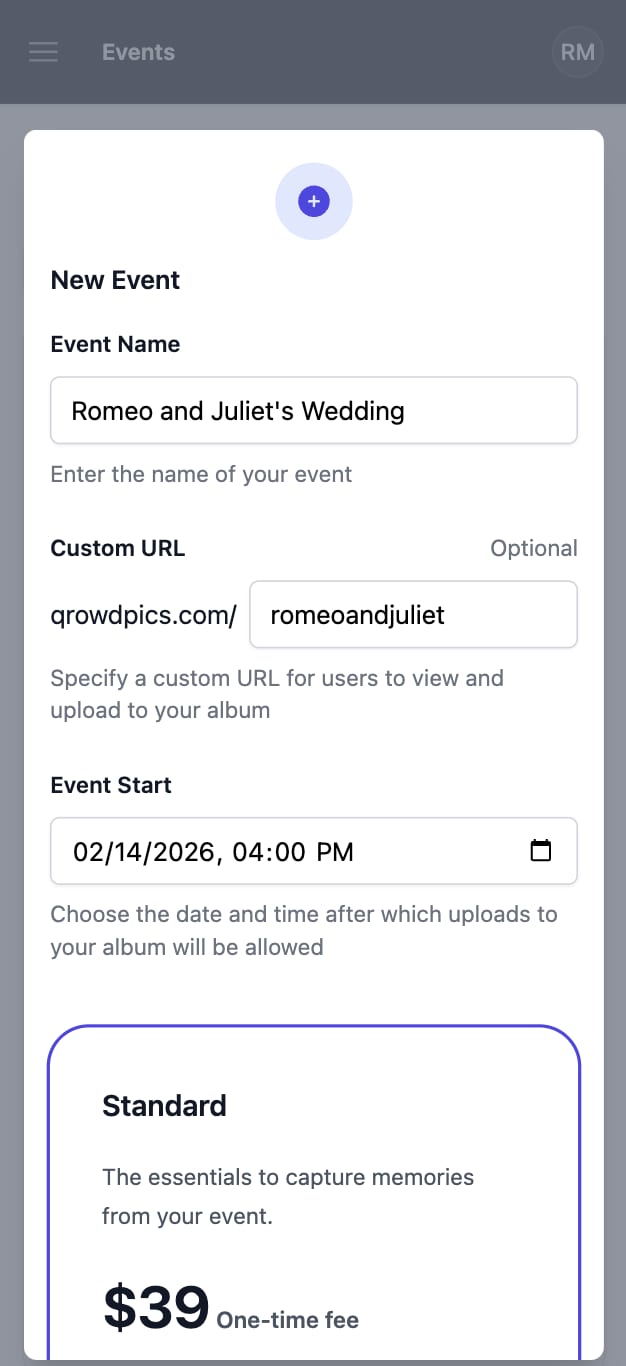
Create your event
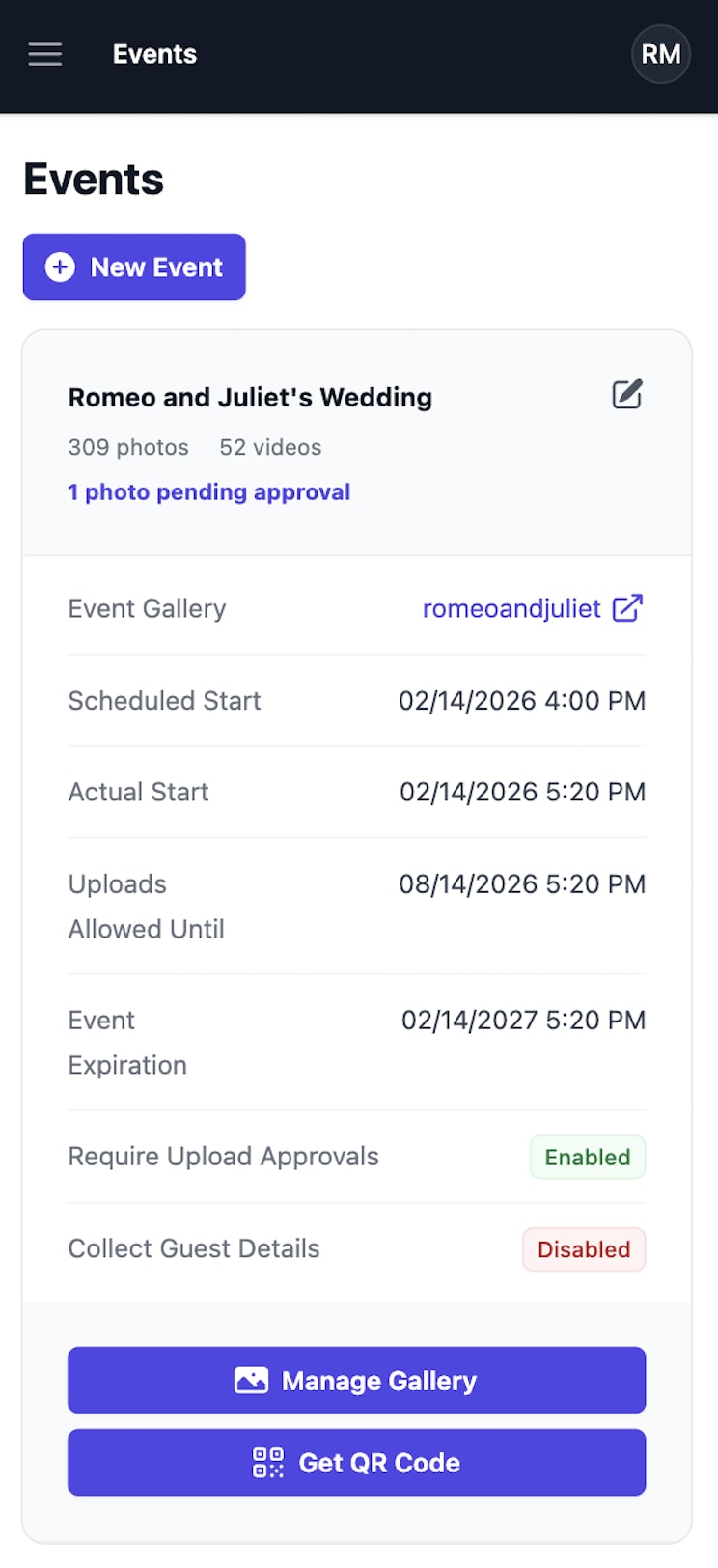
Name your event, optionally customize your gallery URL, and set the date and time after which guest uploads will be allowed.
Share with guests
Share your custom gallery URL or QR code with guests - no app downloads or signups required.
Manage event gallery
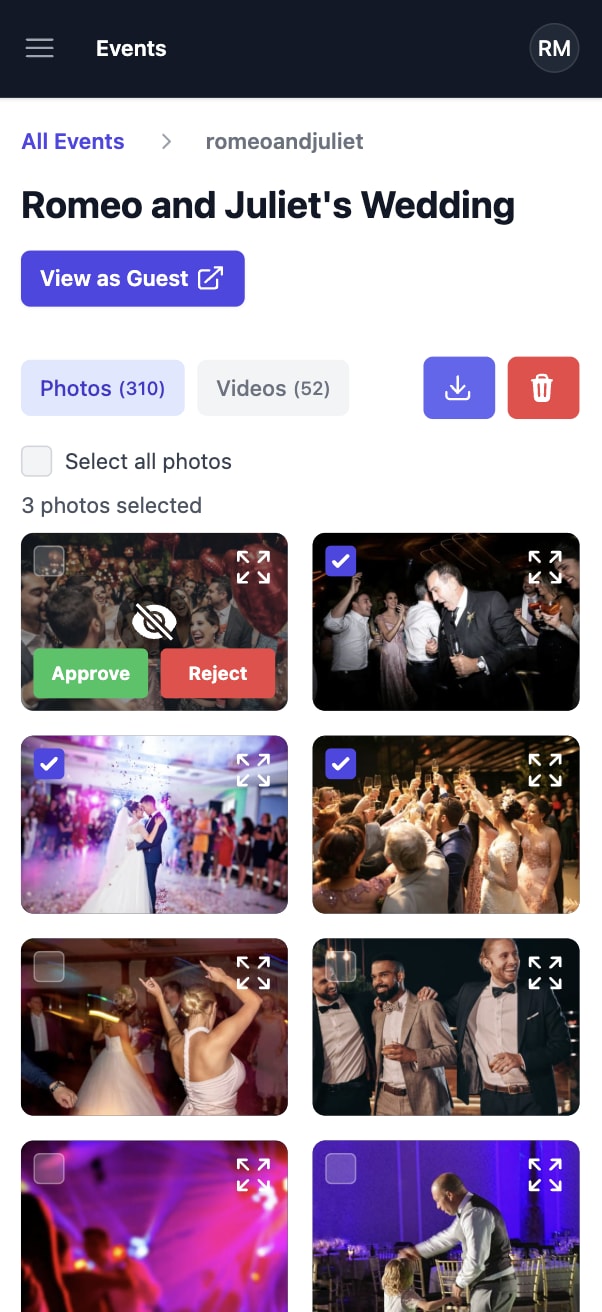
Download or delete collected memories at any time. For Premium events with approvals enabled, review each upload before it appears to guests.
Frequently asked questions
Comparing your options? See how Qrowd Pics stacks up against Guestpix and Kululu.